The debugger now runs in your browser

Build quantum circuits.
Debug them gate by gate.

A C++20 quantum library with Python bindings — exact state-vector and stabilizer simulation, and a step debugger that shows every amplitude and Bloch vector as your circuit runs.

$ pip install git+https://github.com/brenocq/ket
C++20 · Python · OpenQASM 2.0 · WebAssembly · MIT
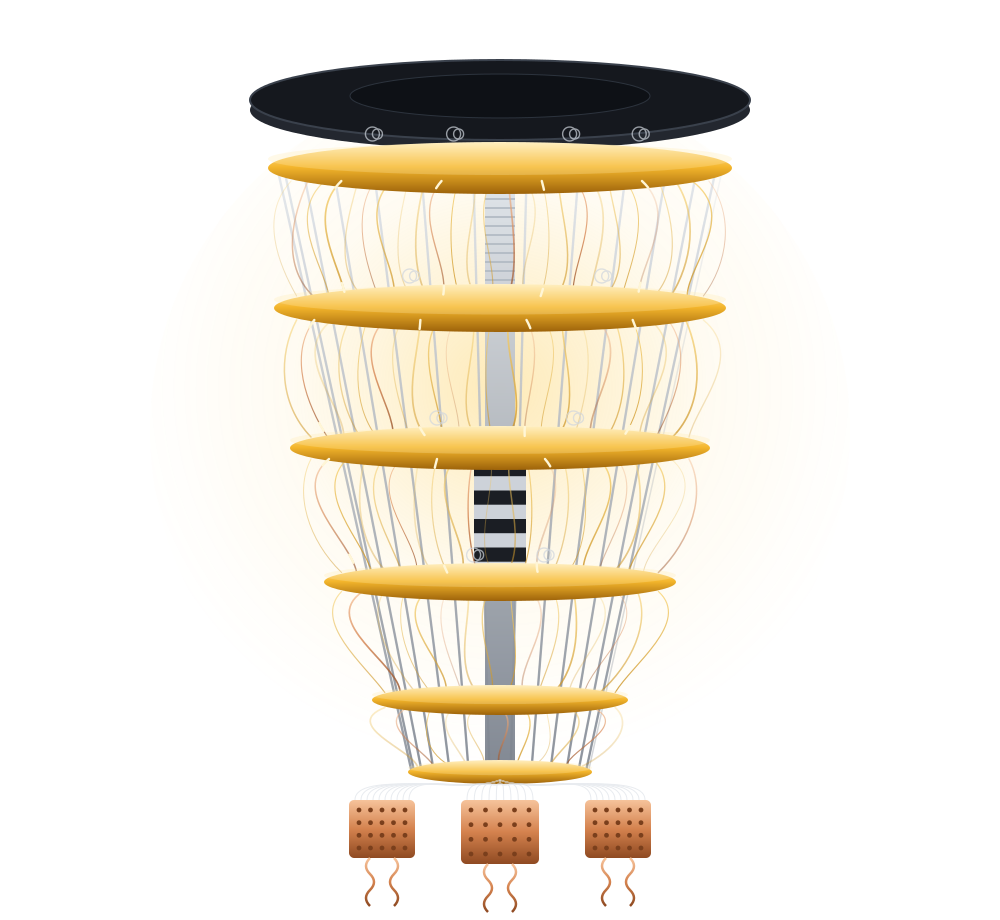
A stylized superconducting quantum computer: a glowing gold dilution-refrigerator chandelier in a cryogenic lab.
~25
qubits, exact state vector
O(n²)
stabilizer — thousands of qubits
2
languages, one mirrored API
0
install — runs in the browser

The debugger, in your browser.

Step through a circuit gate by gate and watch the wavefunction — the editable QASM, the state vector, and per-qubit Bloch spheres, all live.

ket-gui — grover.qasm

A full stack for circuits — not just a simulator.

The same circuit, from the C++ core to Python to a browser debugger.

Backends

Two simulators, chosen for you

Exact simulation evolves the full 2ⁿ amplitude vector. Clifford circuits route instead to an O(n²) stabilizer tableau — thousands of qubits, no exponential blow-up. The choice is automatic.

Exact Dense state vector · multithreaded · gate fusion
Stabilizer O(n²) tableau · H/S/CX/… · auto-detected
chosen_method(circuit)stabilizer
Web

Runs in the browser

The entire debugger compiles to WebAssembly. Step gates, watch the wavefunction — nothing to install.

Open the live demo →
API

C++ and Python

pybind11 bindings mirror the C++ surface: Circuit, run, sample, expval.

Performance

Multithreaded core

A persistent std::thread pool with gate fusion; small states stay serial to avoid sync overhead.

Interop

OpenQASM 2.0

Import and export, including user-defined gate blocks — round-trips with the rest of the ecosystem.

A Bell state, three ways.

Build a circuit, simulate it, read the amplitudes — the result is the same from C++, Python, or QASM.

#include <ket/ket.hpp>

int main() {
  ket::Circuit c{2};
  c.h(0);
  c.cx(0, 1);
  std::cout << ket::run(c).print();
}
import ket

c = ket.Circuit(2)
c.h(0)
c.cx(0, 1)
print(ket.run(c))
OPENQASM 2.0;
include "qelib1.inc";
qreg q[2];
h q[0];
cx q[0], q[1];
Output
|00⟩0.707
|01⟩0
|10⟩0
|11⟩0.707

Two qubits, maximally entangled — the Bell state.

See a circuit compute.

Open the debugger in your browser, or pull the library into your next project.